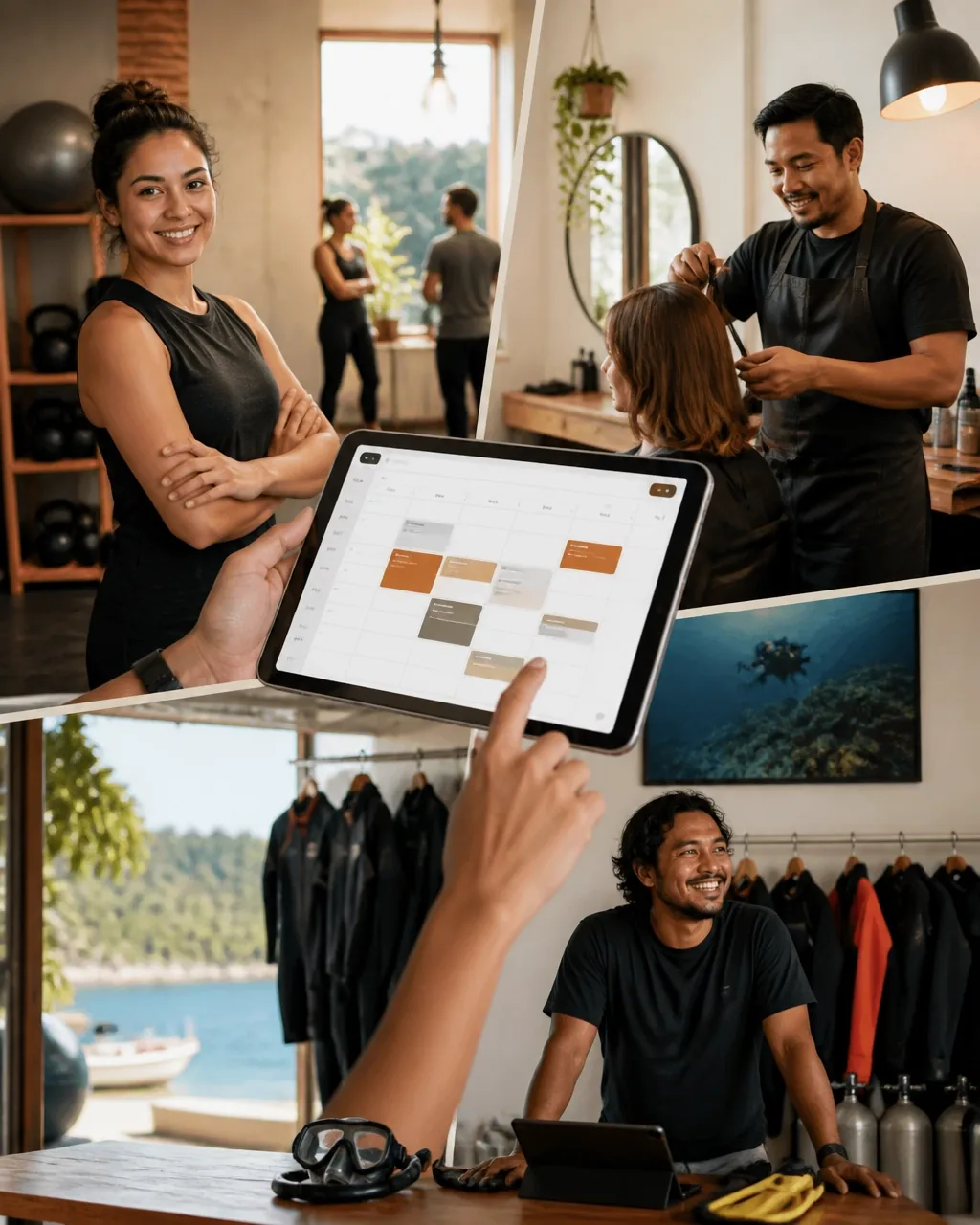
For many local businesses, the day does not end when the doors close.
Customers may discover your café, salon, gym, studio, restaurant, bar, or dive operation at 10 p.m. They may want to book a table, reserve a class, schedule an appointment, or secure a place on tomorrow’s trip.
If the only way to book is by phone, email, or social media message, you are asking customers to wait. Some will. Many will choose a business that lets them book immediately.
A well-built website can capture those customers automatically. It can show your services, display real availability, collect essential information, take payment or a deposit, and send reminders without you having to respond manually.
That is the difference between a website that simply describes your business and a website that actively helps run it.
Start with the booking problem, not the website design
Before choosing a platform, theme, or booking tool, define what customers actually need to reserve.
Different businesses have different booking models:
- A salon books appointments with individual staff members.
- A restaurant or bar books tables with specific time slots.
- A gym or studio books places in group classes.
- A dive operator books spaces on boats or trips.
- A photography or recording studio books rooms and equipment.
- A café may take reservations for tables, events, or private hire.
Write down the answers to these questions:
- What exactly is being booked?
- Is it an appointment, table, class, resource, or trip?
- How long does each booking last?
- How many customers can book each slot?
- Does the customer need to choose a staff member or room?
- Do you need a deposit or full payment?
- What information must you collect before confirming?
- What happens if someone cancels or does not arrive?
This process prevents you from building a beautiful website around a booking system that does not fit your daily operations.
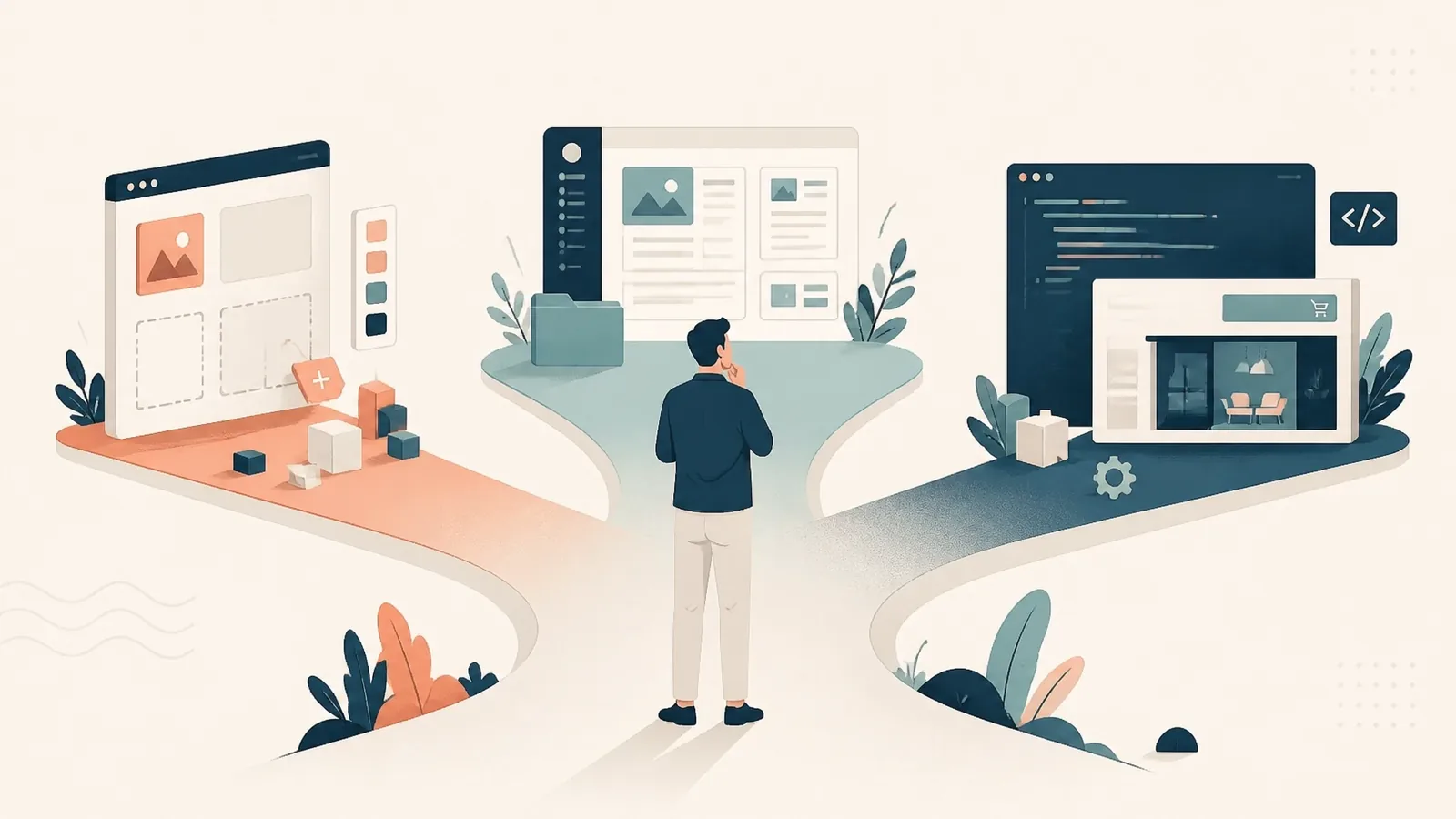
Choose the right booking system
Most booking websites have two main parts:
- The public website customers see.
- The booking engine that manages availability, customer details, payments, and notifications.
Some services combine both parts. For example, Wix Scheduling includes scheduling features within a wider website platform. Square Appointments (opens in a new tab) is useful for businesses that want appointments connected to payments and point-of-sale operations.
Other businesses may prefer a separate booking system embedded into an existing website. Tools such as SimplyBook.me (opens in a new tab) and Acuity Scheduling (opens in a new tab) offer booking features that can be linked to or integrated with a custom website.
The right choice depends on your business. A simple appointment calendar may be enough for a solo barber. A dive operator may need capacity limits, customer forms, payment collection, and automated pre-trip instructions.
Do not select a system because it has the longest feature list. Select it because it handles your real booking process with as little friction as possible.
Design the website around one clear action
Your website should make the next step obvious.
For most local businesses, that action is one of the following:
- Book now
- Reserve a table
- Schedule an appointment
- Join a class
- Reserve your place
- Check availability
Place the main booking button where customers can see it immediately:
- In the header
- On the homepage
- On service or menu pages
- On staff or class pages
- Near prices and availability
- At the bottom of important pages
- In your contact section
Avoid forcing customers to search for a booking link. “Contact us to enquire” is not the same as “Choose a time and book now.” Every extra step creates an opportunity for the customer to leave.
Your homepage should quickly answer four questions:
- What do you offer?
- Where are you located?
- Why should customers choose you?
- How can they book?
A strong website does not need dozens of pages. It needs the right information in the right order.
Keep the booking flow short
A booking flow should feel easy on a phone, because many customers will book from mobile search, social media, or a link in your business profile.
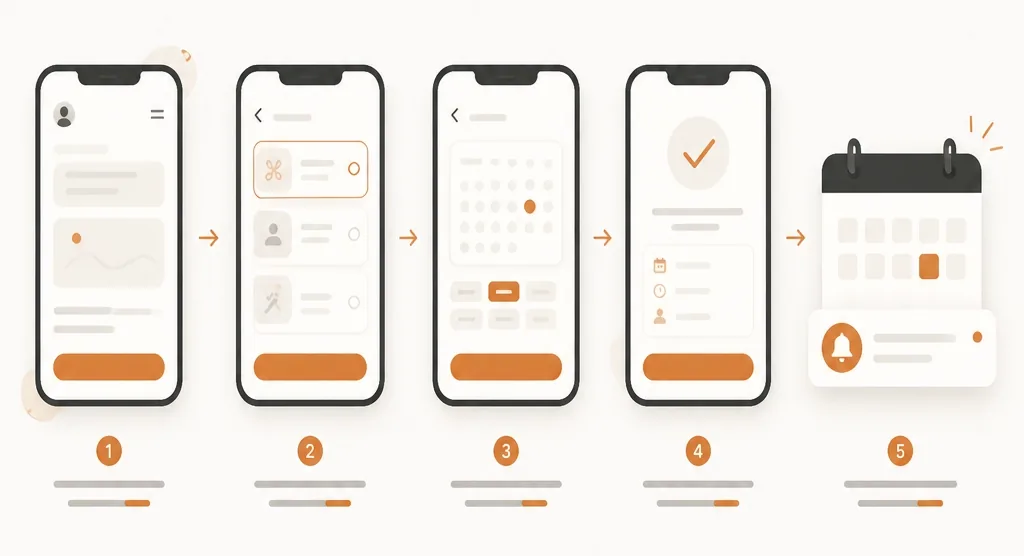
A useful flow usually looks like this:
- Choose a service, class, table, or trip.
- Choose a date and time.
- Enter basic contact details.
- Provide any required information.
- Pay a deposit or confirm the booking.
- Receive an immediate confirmation.
Only ask for information that you genuinely need.
A salon may need the customer’s name, phone number, chosen service, and preferred stylist. A dive operator may need certification details, emergency contact information, and equipment requirements. A gym may need a waiver before the first class.
Do not ask every customer to complete a long form just because your booking software allows it. Long forms increase drop-off and make a simple reservation feel like paperwork.
The booking page should also make important details clear:
- Price
- Duration
- Location
- Cancellation policy
- What the customer should bring
- Whether payment is required
- Whether the booking is confirmed immediately
Clear information builds confidence and reduces avoidable questions.
Configure the system to work after hours
The website can only book customers while you sleep if the back-end rules are set correctly.
Start with your real availability. Add:
- Opening hours
- Staff schedules
- Class timetables
- Room or equipment availability
- Maximum capacity
- Minimum notice requirements
- Buffer time between bookings
- Blackout dates and holidays
Buffer time is especially important. A salon may need time to clean between clients. A studio may need setup time. A dive operator may need time to prepare equipment and move customers between locations.
You should also decide what happens when a customer cancels or does not attend. Your system may be able to:
- Send a cancellation link
- Offer rescheduling
- Apply a cancellation fee
- Keep a deposit
- Automatically reopen the time slot
- Notify your team about changes
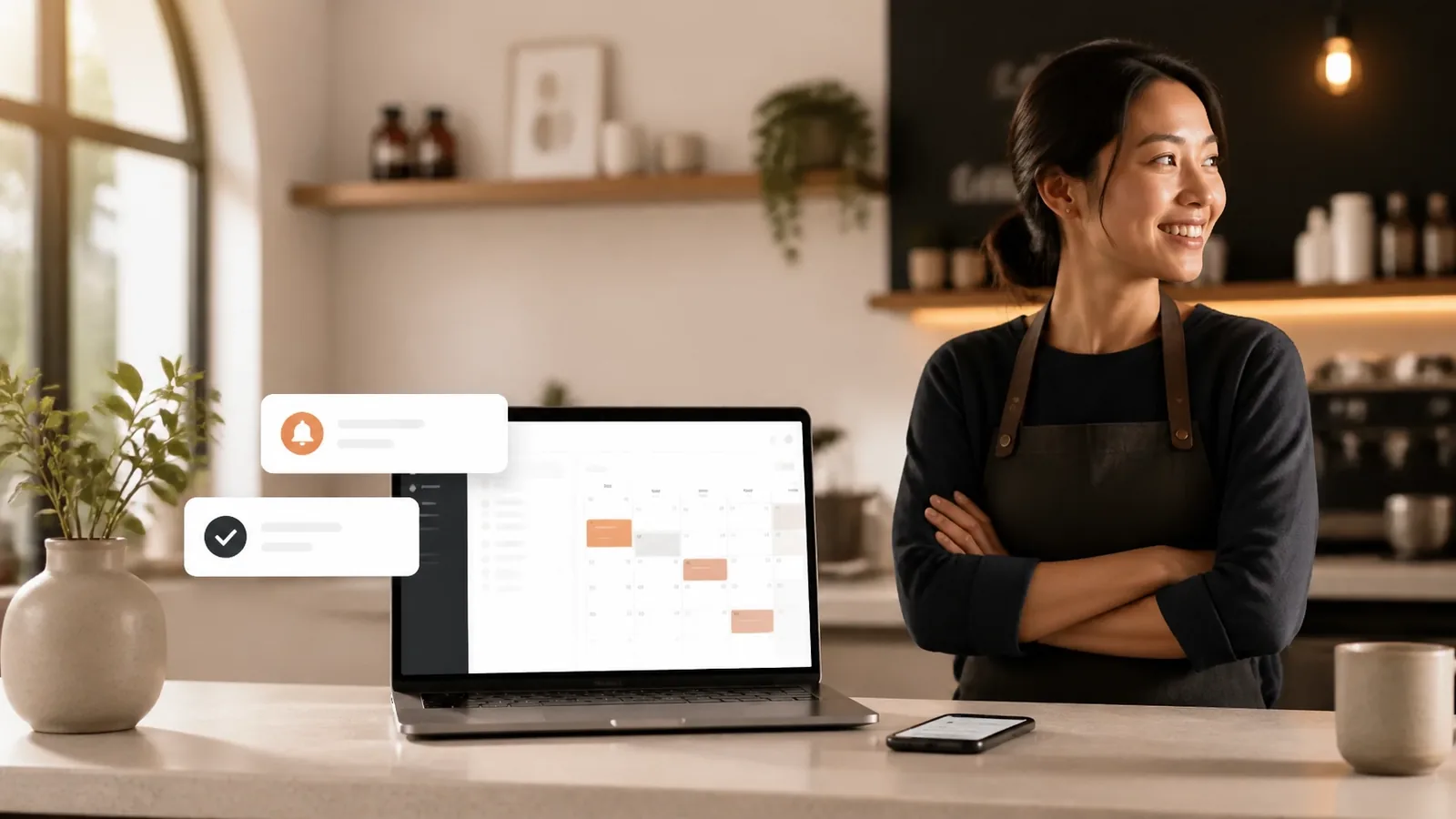
Automated reminders are another essential feature. A confirmation email or text message should arrive immediately after booking. A second reminder 24 or 48 hours before the appointment can reduce no-shows.
For classes, trips, and appointments with limited capacity, reminders also give customers a chance to cancel early, allowing another customer to take the space.
Use payments and deposits strategically
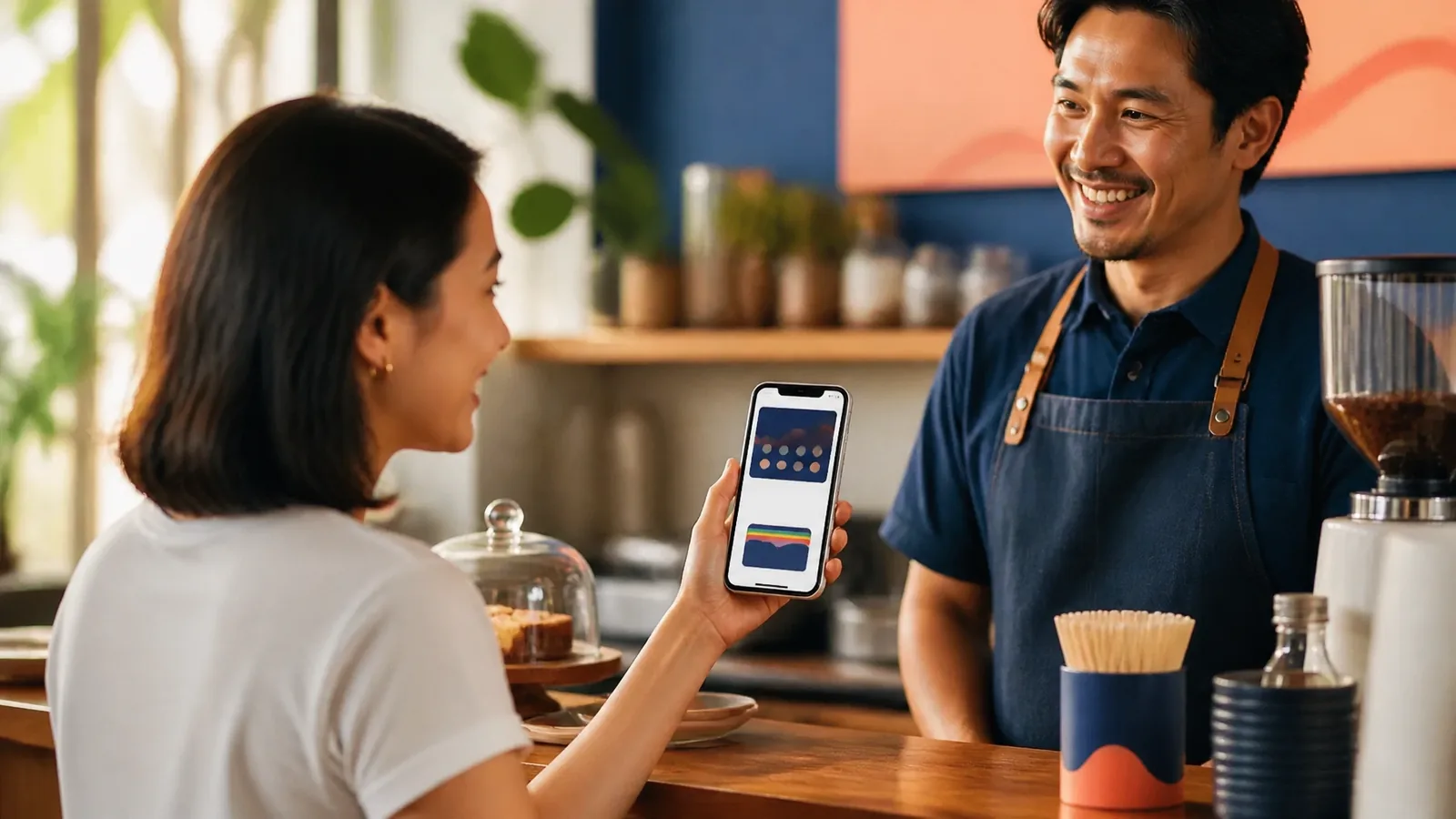
Online payments are not required for every business, but they can make your booking system more reliable.
Deposits are useful when:
- Appointments take a long time
- A no-show creates a significant loss
- You have limited capacity
- Staff or equipment must be reserved
- Customers book premium services
- You need to purchase materials in advance
A restaurant might not need payment for a standard table reservation, but a private event may require a deposit. A yoga studio might offer free first-time bookings but require payment for workshops. A dive operator may collect full payment before confirming a trip.
Explain your payment and cancellation rules before the customer submits the booking. This avoids confusion and gives you a fairer basis for managing cancellations.
Make the system fit your type of business
A booking website should reflect how your business operates.
Cafés, restaurants, and bars
Use clear “Reserve a table” buttons and show available times. If you have different seating areas, private rooms, or event bookings, make those options easy to understand.
For busy periods, set limits on booking duration and define a clear late-arrival policy.
Gyms and studios
Display classes by date, time, instructor, and available spaces. Let regular customers book future sessions easily. Collect waivers or health information where necessary.
For memberships and recurring bookings, you may need a more advanced system than a basic appointment calendar.
Salons and beauty businesses
Let customers select a service, staff member, and time. Show the duration and price before confirmation. Deposits can help protect long appointments and reduce no-shows.
Dive operators and activity businesses
Show trip dates, start times, spaces remaining, and requirements. Collect certification details, experience levels, emergency contacts, and equipment needs through a short intake form.
Automated confirmation messages should explain where to meet, what to bring, and when customers should arrive.
Connect the booking website to your marketing
A booking system works best when customers can reach it from every important channel.
Add the booking link to:
- Your Google Business Profile
- Instagram and Facebook profiles
- Email signatures
- Digital menus
- Printed flyers and signs
- QR codes at your premises
- Follow-up emails
- Customer loyalty campaigns
This is where your website becomes more than an online brochure. It becomes part of your sales and customer service process.
Someone may find you through a Google search, see a recommendation on social media, or scan a QR code while visiting your location. If each route leads directly to a useful booking page, you have more chances to convert interest into revenue.
Test the experience before you launch
Make test bookings on both desktop and mobile.
Check that:
- Booking buttons work
- Available times are accurate
- Payments process correctly
- Confirmation messages arrive
- Calendar events appear correctly
- Staff receive the information they need
- Cancellation and rescheduling links work
- The website loads quickly
- The booking page is easy to use with one hand
You should also test the process as a new customer. Is the price clear? Is the location obvious? Do you know what happens next? Can you complete the booking without asking a question?
Review the system regularly after launch. Update services, prices, opening hours, staff availability, seasonal schedules, and cancellation policies. A booking website is not something you publish once and forget.
Build a website that captures customers
The best booking website is not necessarily the one with the most features. It is the one that removes hesitation and turns customer interest into a confirmed booking.
For a small business, that may mean connecting a simple booking tool to a professional website. For a business with more complex needs, it may mean investing in custom web apps, tailored web design services for small businesses, or a wider set of small business software solutions that connect booking, payments, customer records, and marketing.
At Twohertz, we build systems that capture customers: clear websites, practical web apps, and booking flows designed around how your business actually works.
The goal is simple: software that wins customers, marketing that keeps them.
When your website explains your offer, shows availability, accepts bookings, and follows up automatically, it keeps working after the day is over. That gives you fewer interruptions, fewer missed enquiries, and more opportunities to serve customers when they are ready to book.